
Build your own
Your old phone, rebuilt.
Reset it, scan a code, and it becomes a Mixette. It's free, and it takes about 15 minutes at home, on Wi-Fi.
No master's in parental controls required.
You'll need
- A spare Android phone or tablet, version 7 or newer
- A computer or a second phone, to show the QR code
- The phone charged to at least half
- Your home Wi-Fi password
Step 1
Wipe
About 10 to 15 minutes
-
1 of 8
Check your phone
Tap your answers. We'll tell you if it works and which way to set it up.
What is it?
Which brand?
Does it have the Play Store app?
Which Android version?
Only the first number matters: 13.1 is 13. Find it in Settings, About phone, Android version.
Settings, About phone, Android version -
2 of 8
Reset it from Settings
Choose the option that erases everything: Factory data reset, Factory reset or Erase all data.
Not Reset settings or Reset network settings: those don't erase the phone. And use Settings, not the phone's buttons, so Android doesn't ask for the old Google password.
Where it is, by brand
- Samsung
- Settings, General management, Reset, Factory data reset
- Pixel, Motorola, OnePlus
- Settings, System, Reset options, Erase all data
- Xiaomi, Redmi, POCO
- Settings, About phone, Factory reset, Erase all data
- Oppo
- Settings, Additional settings, Back up and reset, Erase all data
- Vivo
- Settings, System management, Backup and reset, Erase all data
- Any other
- Open Settings, search for "reset", then choose Factory reset or Erase all data
-
3 of 8
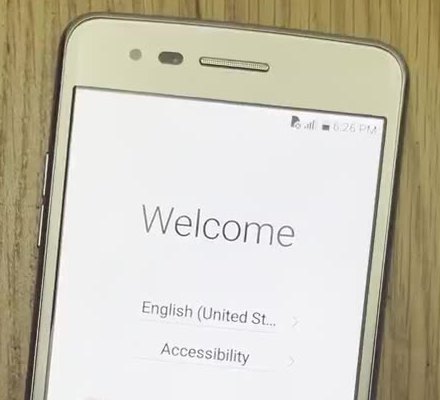
Wait for the Welcome screen
The phone restarts and shows its logo for a few minutes. Taps do nothing yet.
-
4 of 8
Tap the Welcome screen 6 times
Tap an empty spot, quickly, until the phone says QR code mode.
-
5 of 8
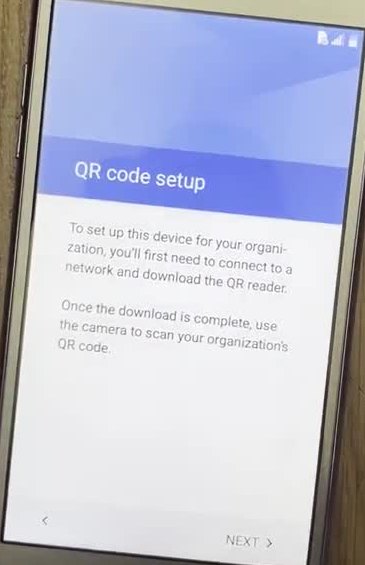
Connect to Wi-Fi
Tap Next and join your home Wi-Fi. The phone needs it to read the code and download Mixette.
Some phones open the camera first and ask for Wi-Fi after the scan.
-
6 of 8
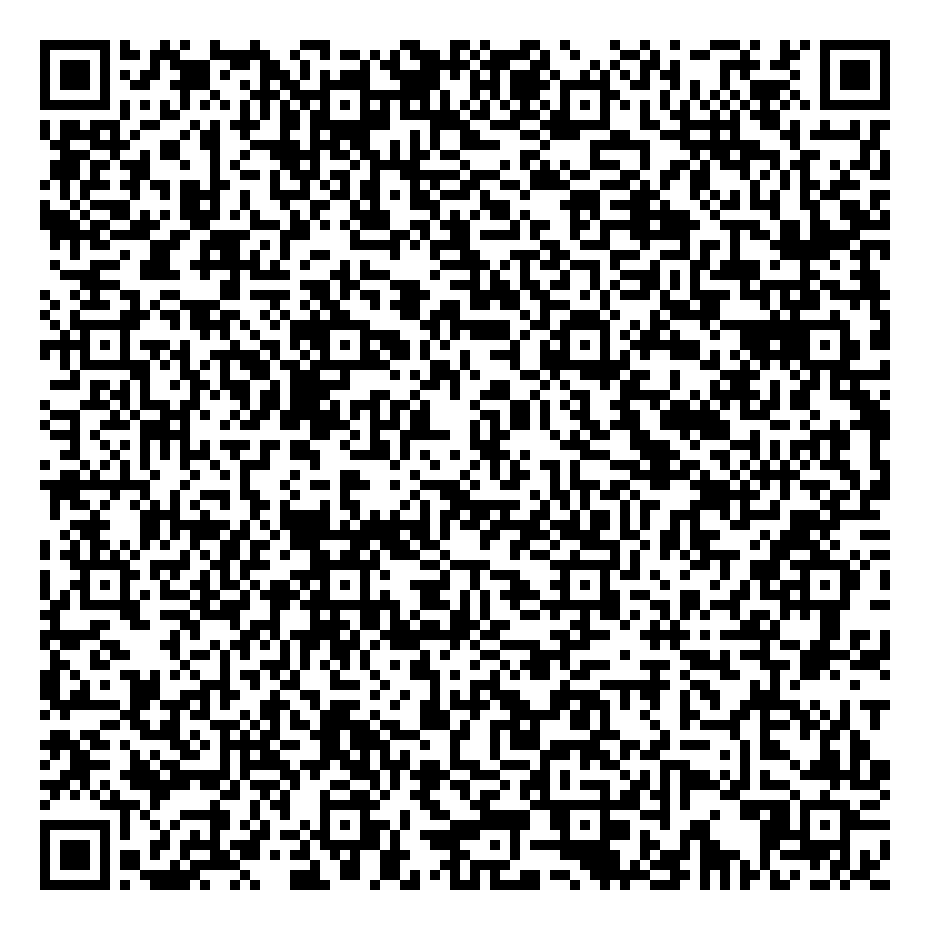
Scan this code
Hold the reset phone up to it.
Reading this on that phone? Open getmixette.com/diy/setup on a computer or a second phone.
-
7 of 8
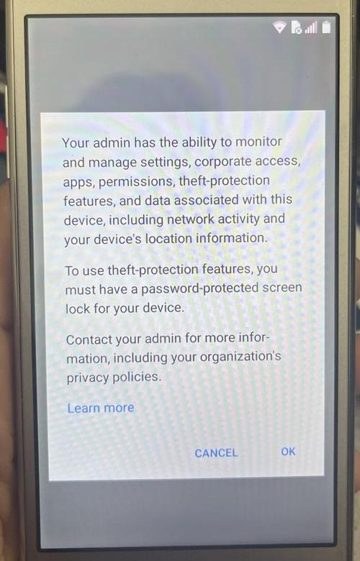
Tap OK
Android says an admin manages the phone. That's Mixette, keeping it just for your kid.
Mixette never uses the camera or the microphone.
-
8 of 8
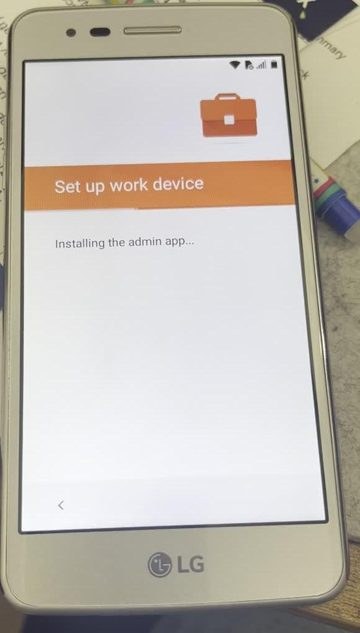
Let it install
Android downloads Mixette. If it shows extra screens, tap Next.
Step 2
Select
At home, on Wi-Fi
-
1 of 3
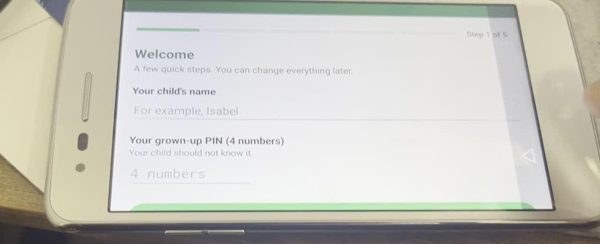
Set up Mixette
Your kid's name, a grown-ups PIN, Wi-Fi and the daily time.
-
2 of 3
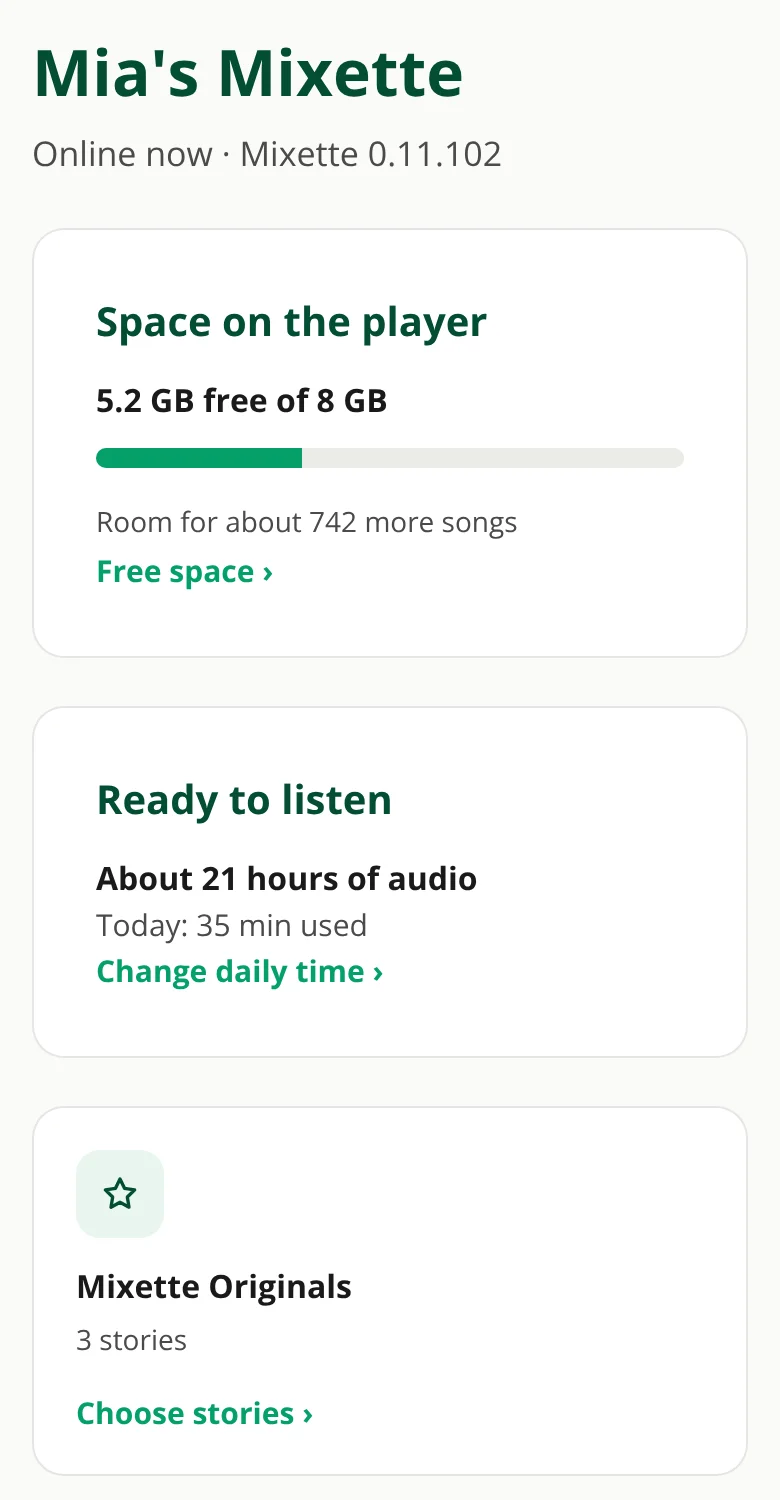
Connect your phone
Scan the code on the player with your own phone. Then you manage it at my.getmixette.com.
-
3 of 3
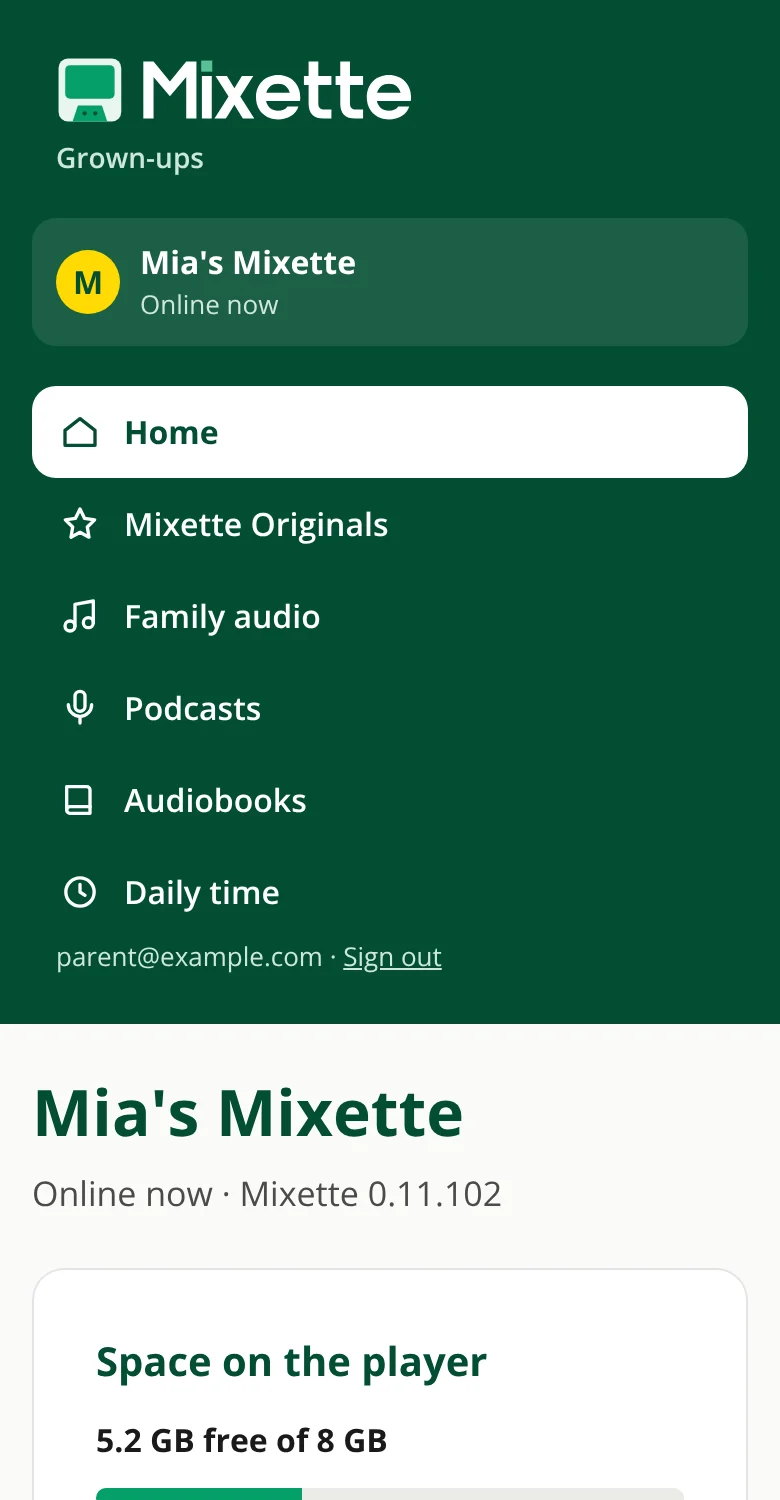
Choose what they hear
Podcasts, audiobooks, and songs from your computer or your old CDs.
Step 3
Travel
The night before
-
1 of 1
Hand it over
Leave it on Wi-Fi overnight to finish downloading. Pack a charger and headphones. Everything plays offline.
Other phones, other ways
Only have an old iPhone?
I'm thinking about making the same thing for iPhone. Would you use it? Leave your email and I'll write if I build it.
No Play Store? Set it up with a computer
A USB cable does the same setup instead of the QR code. It's how we prepare our own players. About 30 minutes, with a Mac or Linux computer and a cable that carries data.
- Turn on USB setup
- Settings, About, tap Build number 7 times. Then Settings, System, Developer options, turn on USB debugging. You can switch it off afterwards.
- Get the kit
- Download the Mixette setup kit and Google's SDK Platform-Tools. Unzip both and move the kit's two files into the platform-tools folder.
- Plug it in
- The phone asks Allow USB debugging? Tick Always allow and tap Allow.
- Run it
- In Terminal, in the platform-tools folder, type
bash prepare-player.sh mixette.apk. When it says READY, unplug: Mixette opens its own setup (Step 2, Select).
Phones that can't run Mixette yet
- iPhone and iPad
- Mixette runs on Android. Use an old Android phone or tablet if you have one, or tell me below if you'd like it on iPhone.
- Amazon Fire tablets
- Not tested yet. Use another Android device, or write to us so we know families want it.
- Android 6 or older
- Mixette needs Android 7 or newer. Check once more in Settings, About phone, Android version.
- A phone from work or school
- It stays locked to them, even after a reset. Ask them to release it first.
- A lost Google password
- After a reset with the buttons, Android asks for the last Google account used on the phone, and nobody can skip it. Recover the password at accounts.google.com, or use another phone.
If something goes wrong
- Tapping 6 times does nothing
- It only works on the Welcome screen, not on the logo screens before it. Tap an empty spot, quickly. If you went past Welcome, go back to it, or reset again.
- It asks for a Google account
- The phone was reset with its buttons, so Android asks for the last Google account used on it. Sign in with it if you know it. Without it, use another phone.
- It says it can't set up the device, or to contact IT
- The phone may still belong to a company or school. Write to us with the brand and model.
- I want my phone back to normal
- Reset it again from Settings. It's a normal phone again.
Setting it up with an AI agent? Point it at getmixette.com/diy/agents.md.
Stuck on a step? Write to support@getmixette.com with your phone's brand and model, and we'll help.
Rather have it ready to go?
We're also making Mixette as its own player, ready out of the box, for $199. Join the waitlist and we'll write when it's ready.