
Mixette guide
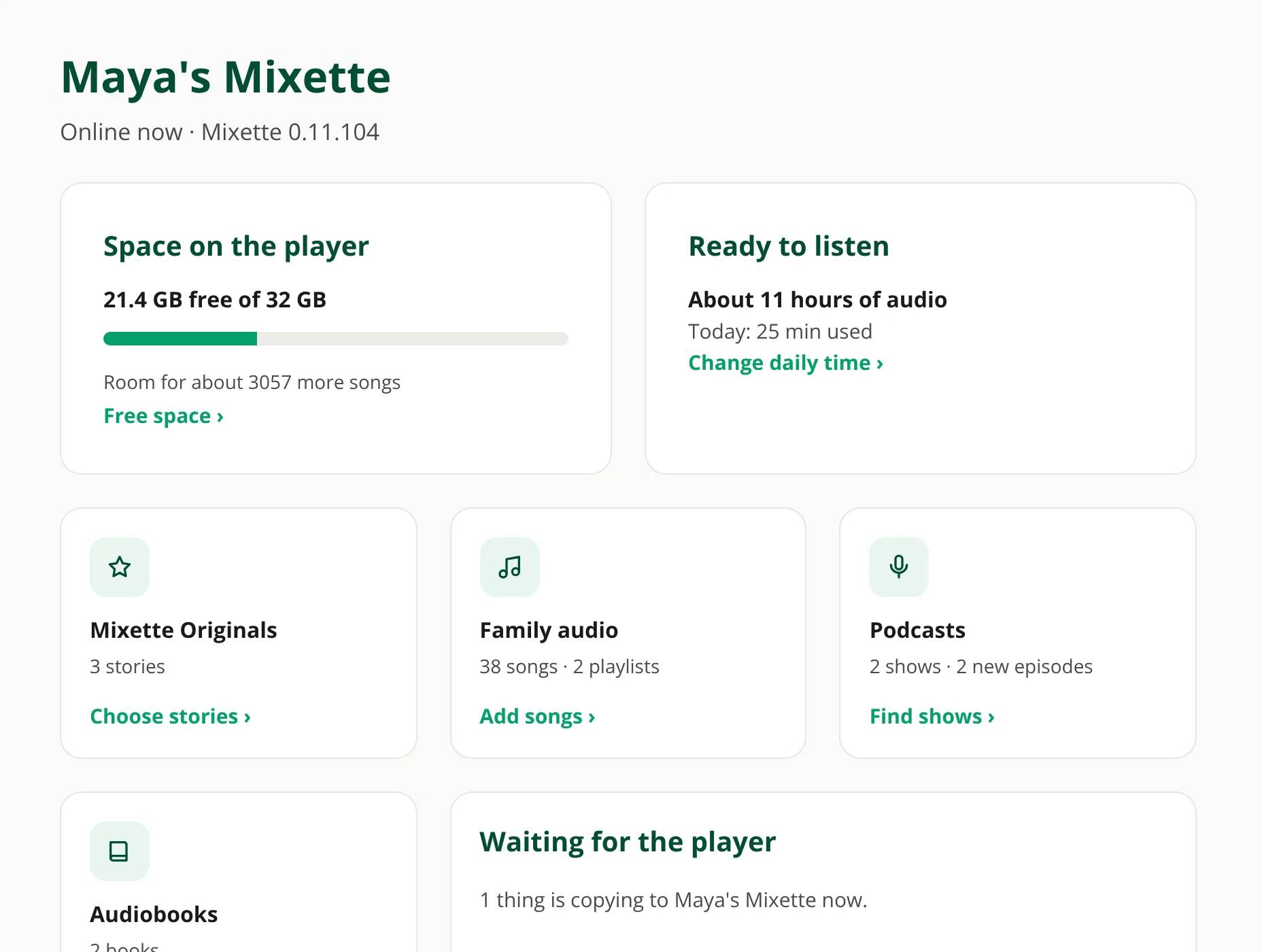
How to load content onto Mixette
You don't upload books or podcasts. You pick them, Mixette downloads them on Wi-Fi, and then they play anywhere, offline.
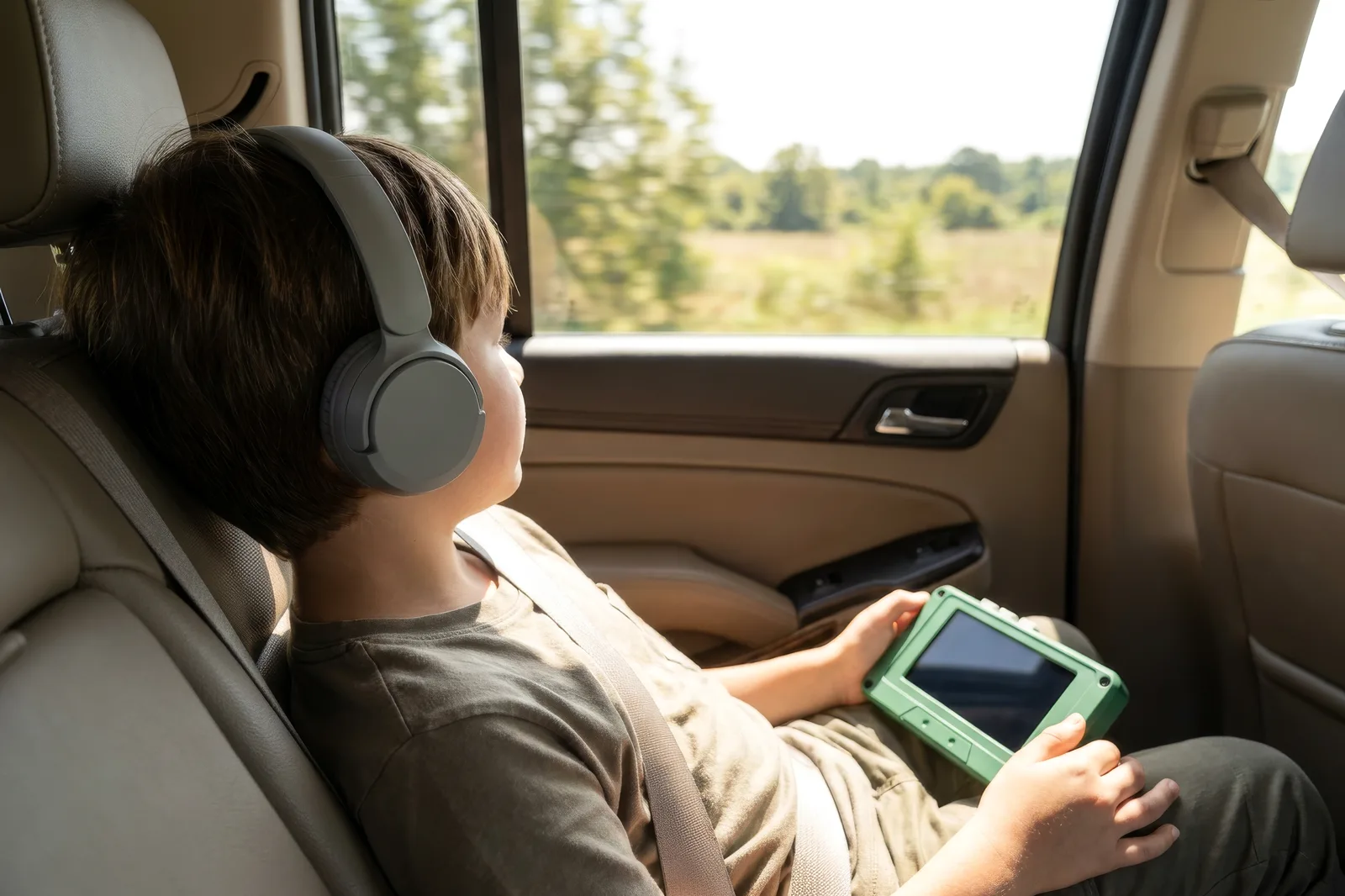
Connect your Mixette
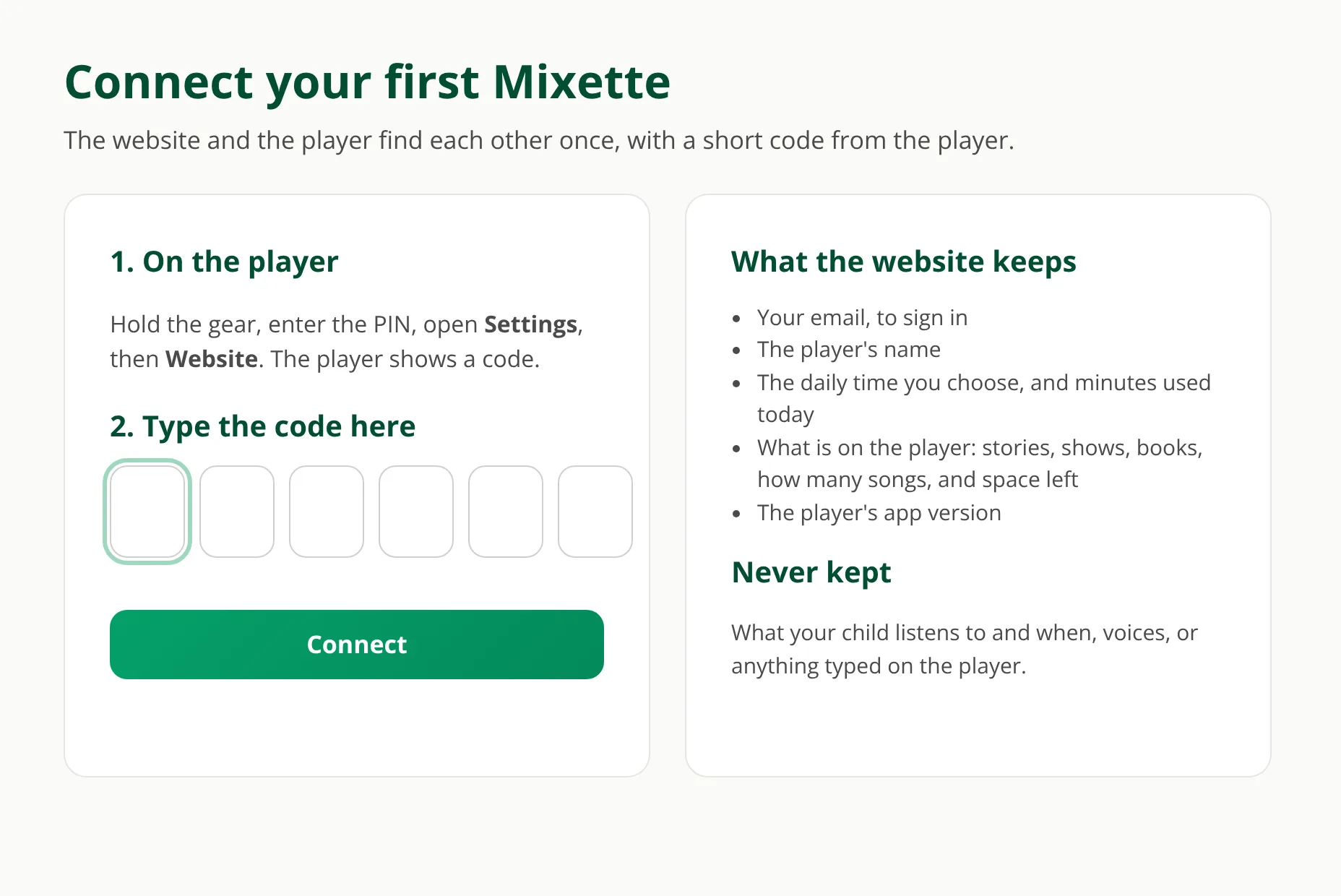
Sign in at my.getmixette.com with your email. No password: we send you a code.
On Mixette, hold the gear, enter your PIN, then Settings, Website. Type the code it shows.
What you can add
Pick it, tap Add. That's it.
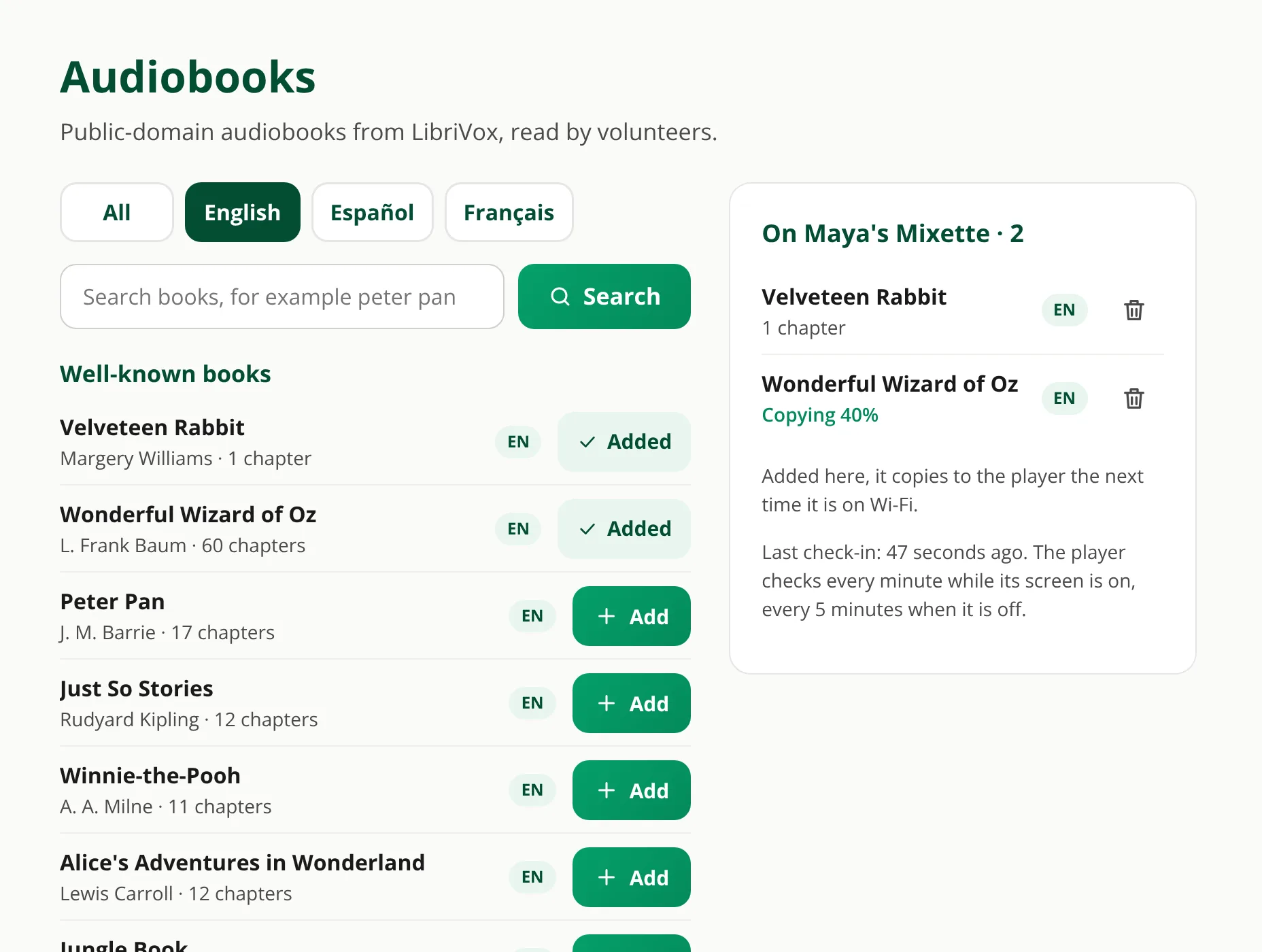
Audiobooks
Free classics, read aloud. Tap Add and Mixette downloads the whole book.
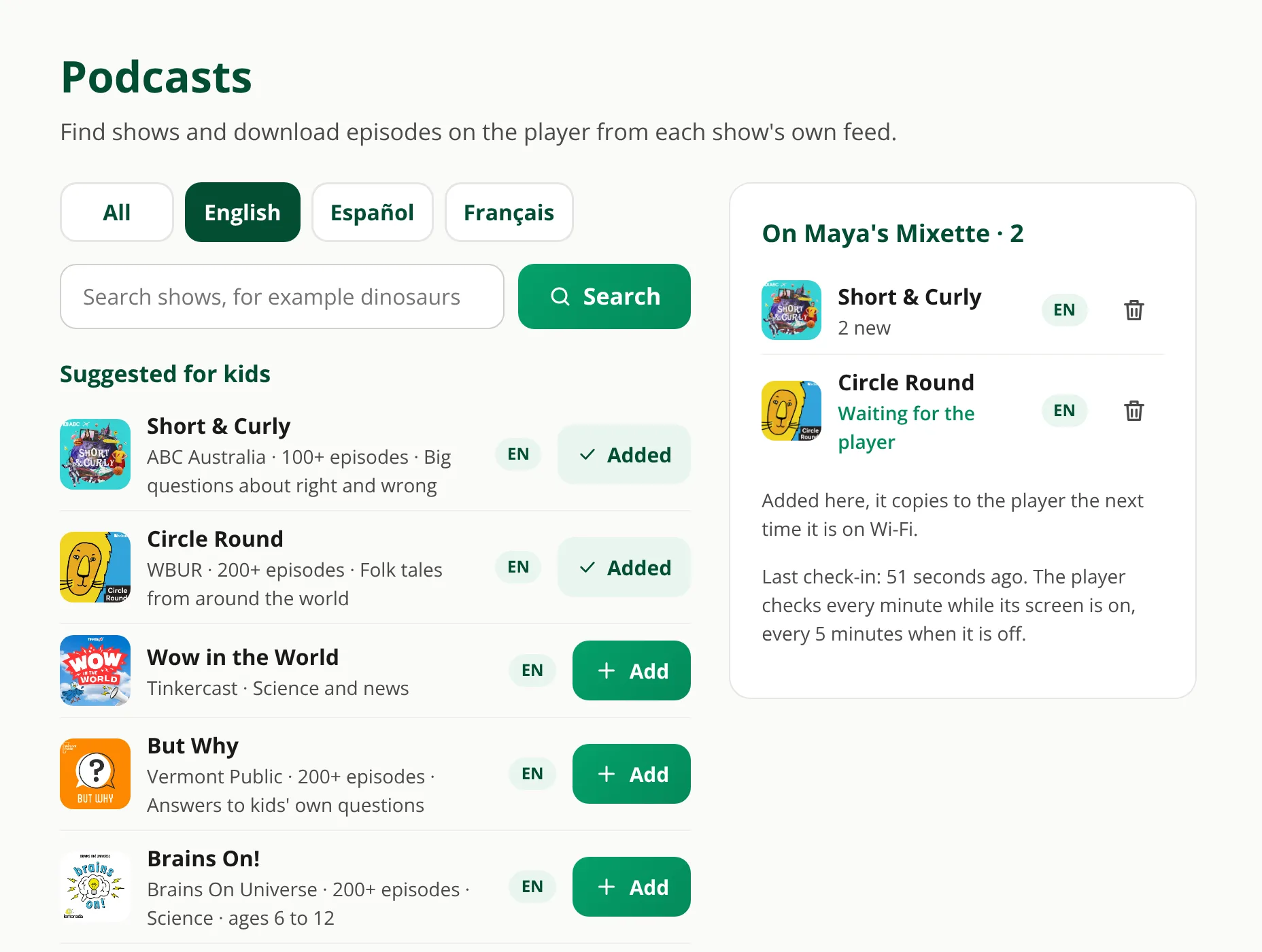
Podcasts
Tap Add. The first episodes download by themselves.
Want more for a trip? On Wi-Fi, your kid can get more episodes right on Mixette.
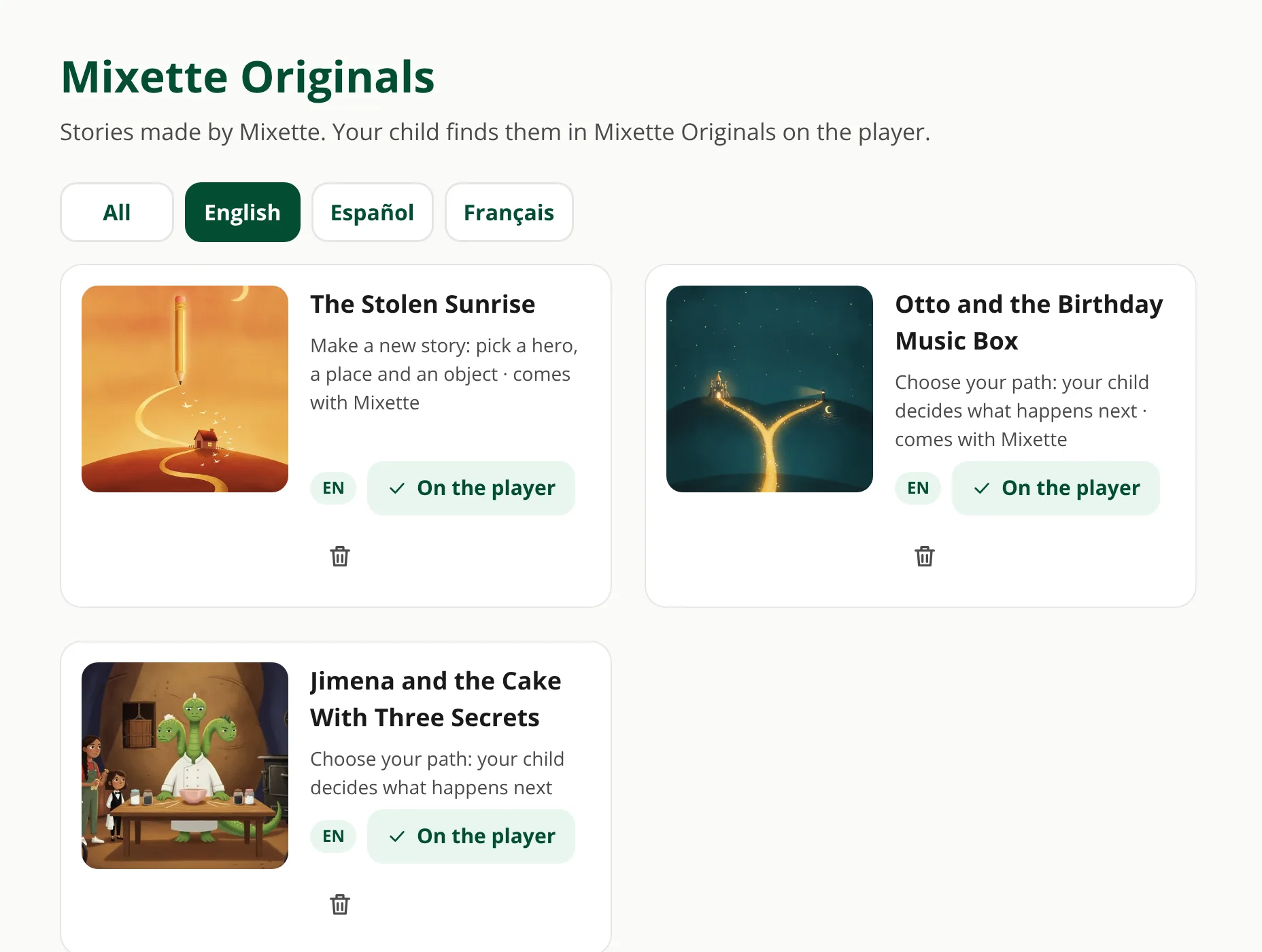
Mixette Originals
Our own stories. Some are already on Mixette when it arrives.
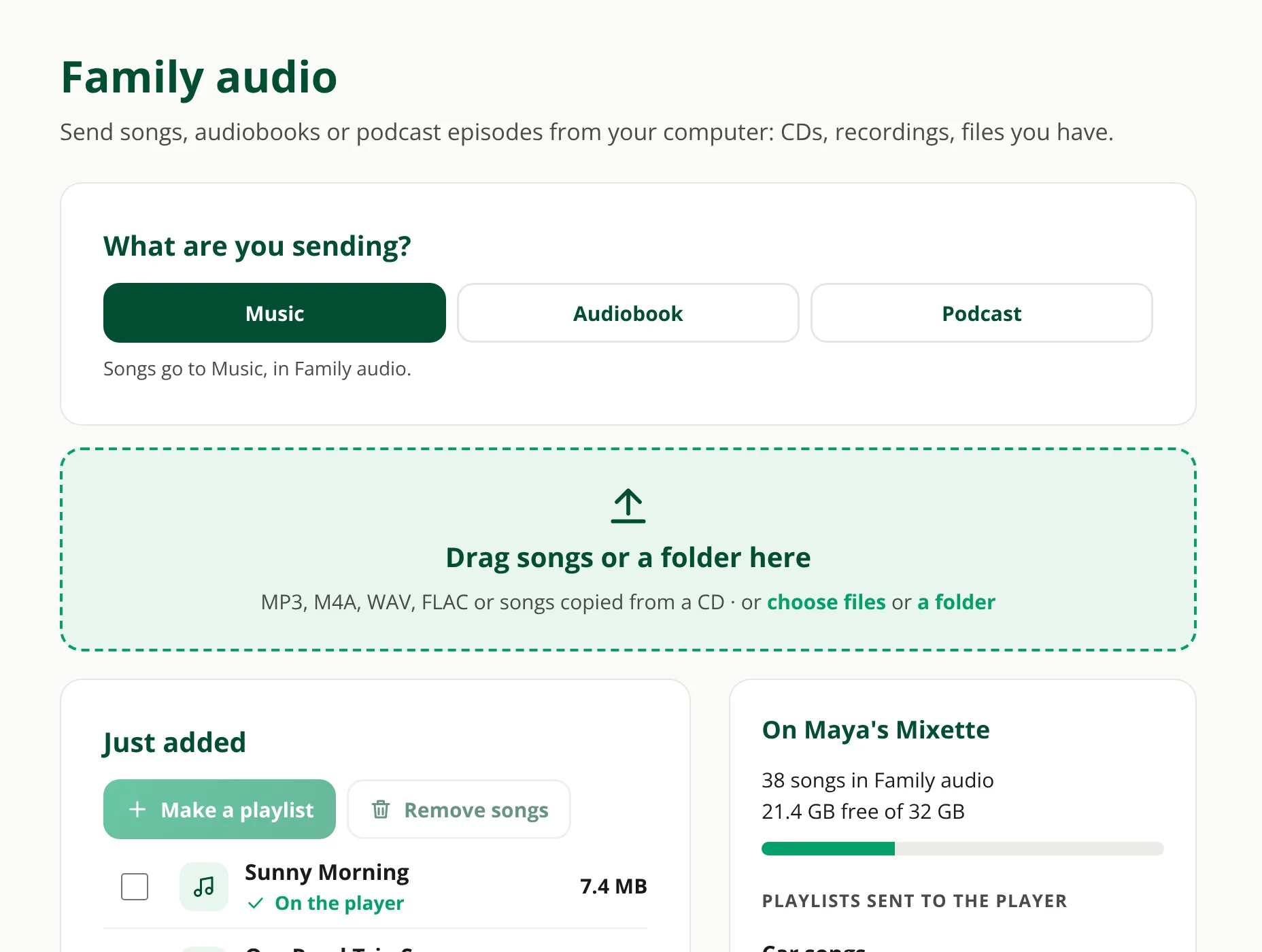
Your own files
Songs from your CDs, a recording of Grandma, an audiobook you own. Drag them in from your computer.
No computer needed
Or do it all on Mixette, in Grown-ups
Everything above also works on the player itself. It's behind the gear, so only you get in.
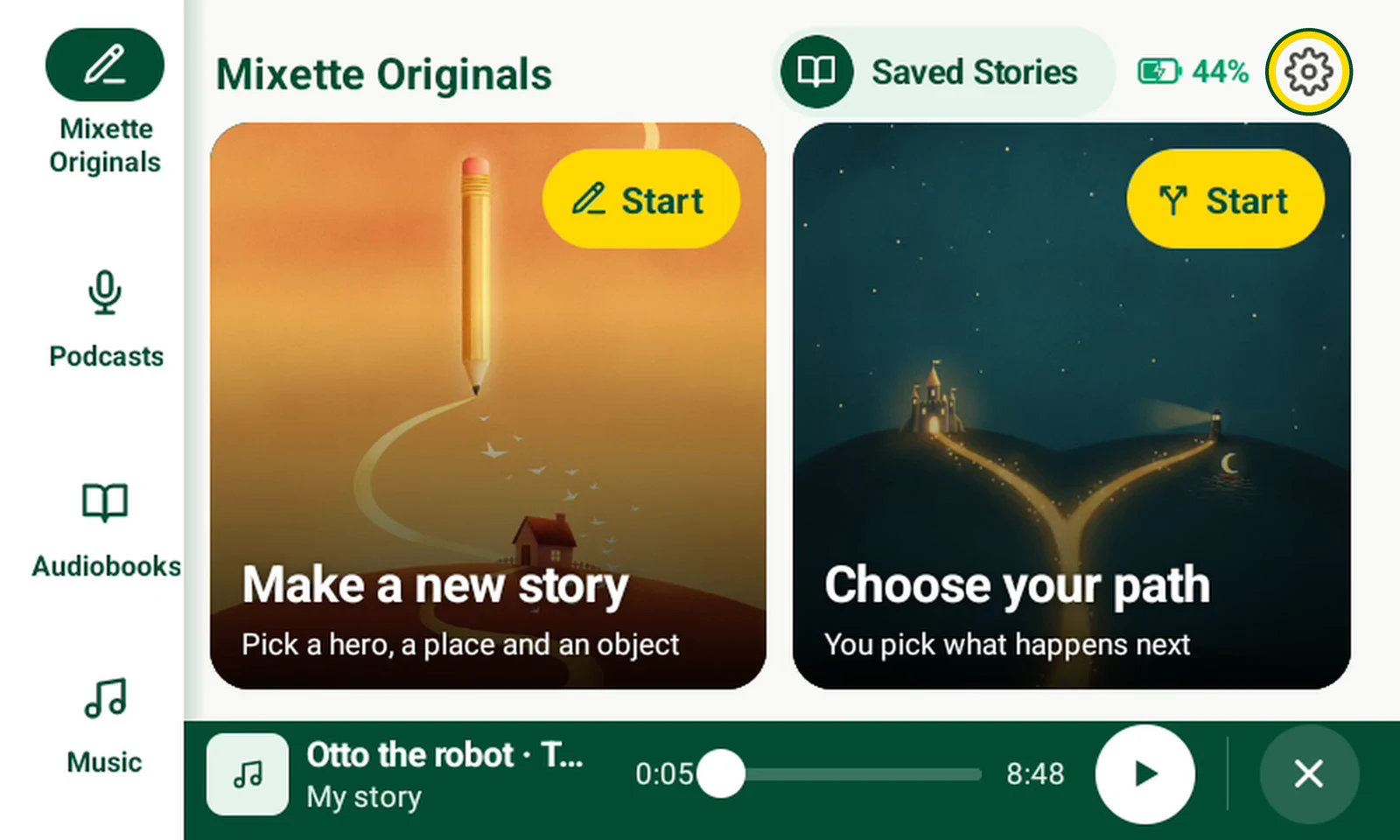
- 1Hold the gear for 2 seconds. It's at the top right, next to the battery.
- 2Enter your PIN.
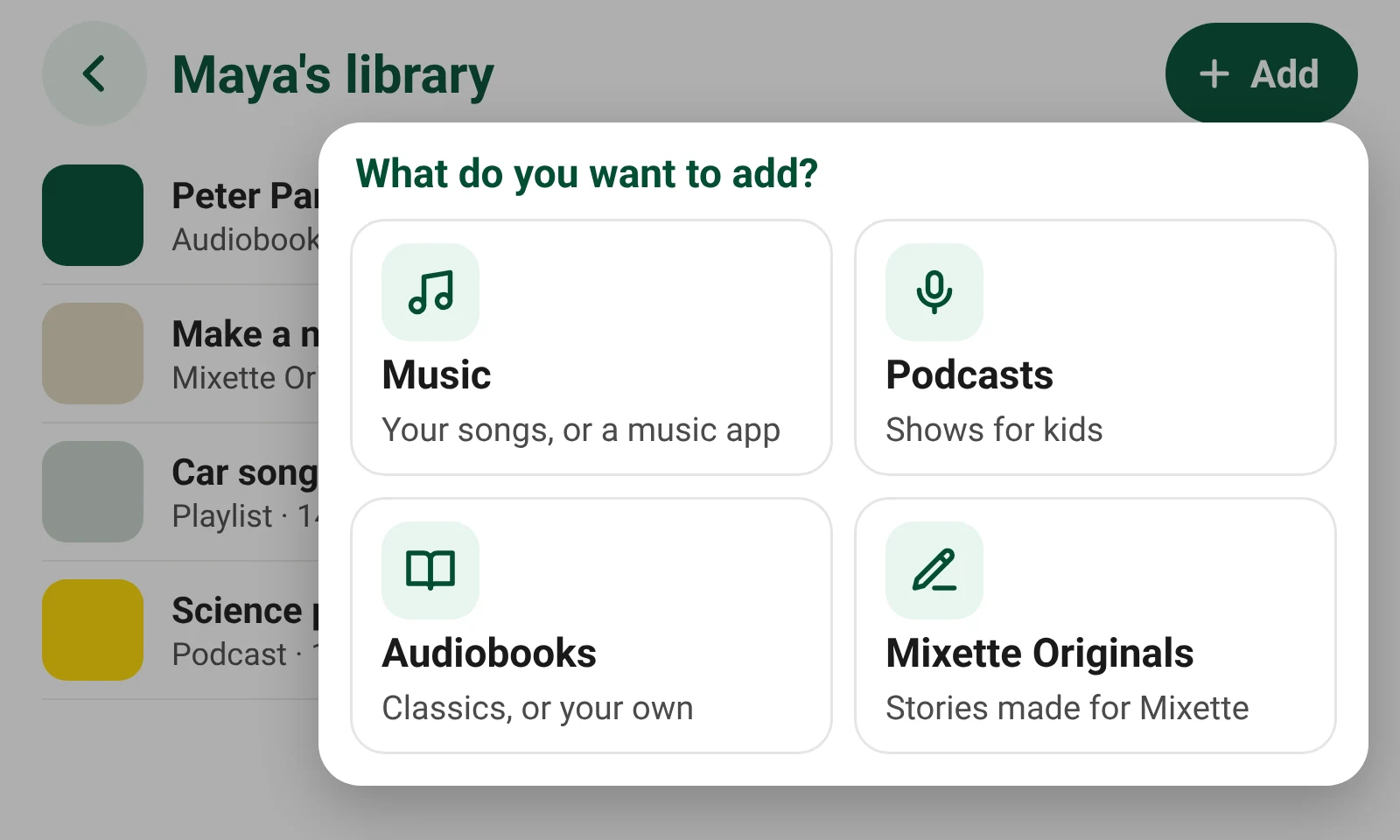
- 3Open your kid's library and tap Add.
- 4Pick Music, Podcasts, Audiobooks or Mixette Originals.
Same as the website: it downloads on Wi-Fi.
From your phone
On Mixette: Grown-ups, Library, Add, From your phone. Scan the code and send.
From an SD card
Put the card in Mixette. Then Grown-ups, Library, Add, SD card.
Is it on Mixette yet?
To take something off, tap the bin next to it.
Stuck on something?
Write to support@getmixette.com. I answer myself.