
Early Edition
Their audio player. Your rules.
Like the player you grew up with, now with stories, podcasts and audiobooks too.
For Bay Area families. I hand it over in person.
The Mixette Early Edition
Get Mixette first. Help shape it.
Live in the Bay Area? Get the real Mixette, in an early version, for $99, half the $199 price. It's yours to keep. Along the way, I check in to learn how your family uses it.
Your Mixette, now
Ready for your kid's songs, stories, podcasts and audiobooks. I can help you set it up, if you want.
Help shape the final Mixette
Tell me what your kids love, what bugs them and what they wish it did. I use it to decide what the final player does.
Yours to keep
It's yours for good, and it keeps getting better: updates arrive by themselves over Wi-Fi.
Sound familiar?
Around 7, they want to choose for themselves.
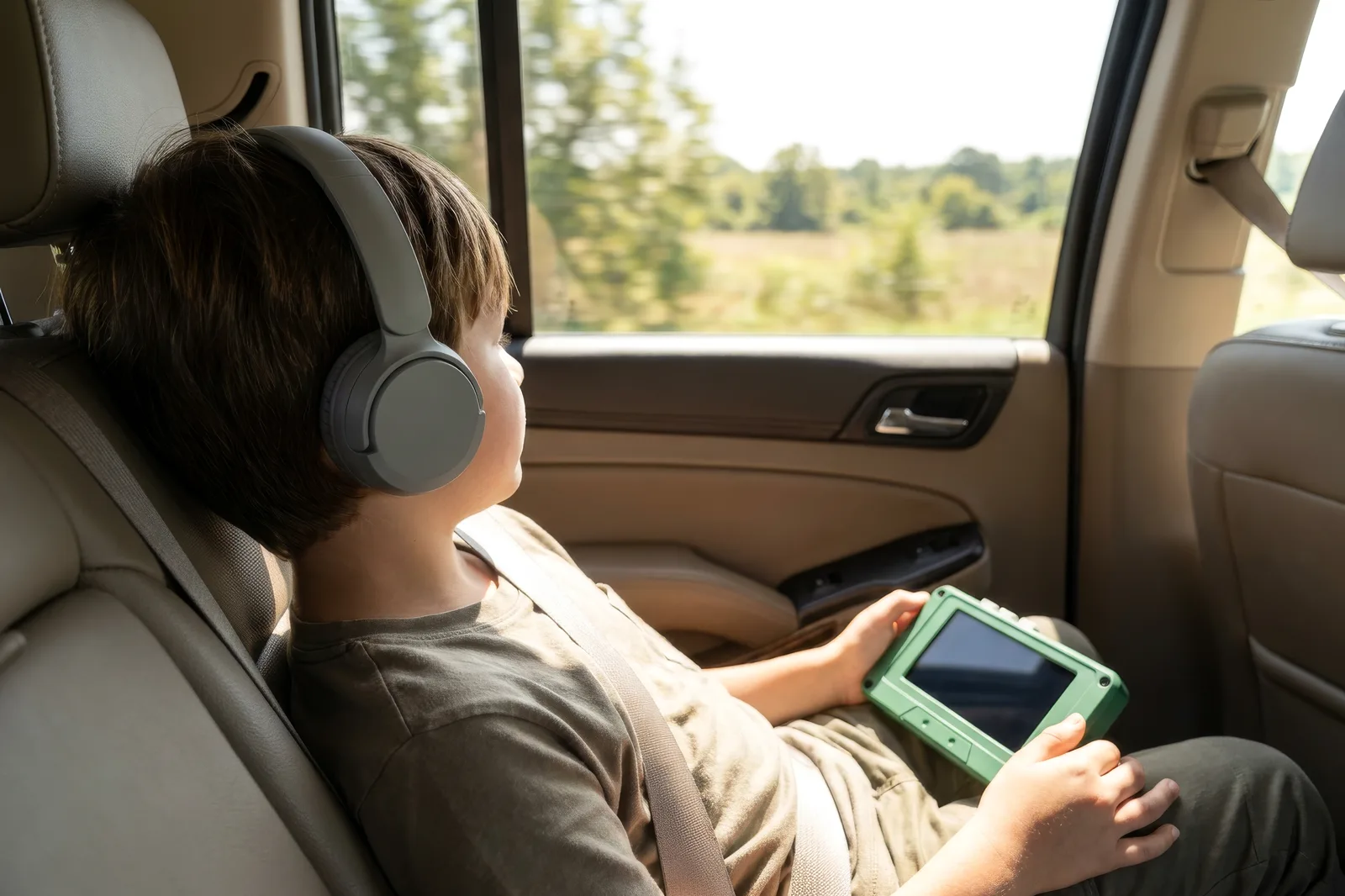
In the car
“Can I play my song? Can I listen to music on your phone?”
While drawing
“Can you put on my story while I draw?” And then the next one.
On a Saturday
They want their music on, now, without waiting for a grown-up.
With Mixette, they play their own music and stories, without your phone. They choose from what you put on it.
Who made it
Made by a mom trained in how kids learn, and tired of parental controls.
Patricia Cangas has a master's from Johns Hopkins focused on the science of learning, and teaches digital literacy to primary school kids.
At home, she kept digging through the settings of devices made for adults, trying to make them work for her daughters.
When her two girls outgrew their toy players and little-kid audiobooks, she built Mixette: a player with nothing to lock down.
Mixette is made by Pixel Parenting.
Why it matters
Small choices are how kids grow up.
Picking the next story, building a playlist: kids this age learn to trust their own judgment one small decision at a time. Mixette hands them those decisions, inside a library you built.
Why only audio?
A story they hear is a story they picture.
Listening isn't a smaller version of watching. A child's brain handles a story it hears differently from one it watches: with audio, kids build the scene themselves from words and what they already know. That work counts.
Hear what she's hearing
Kids 8 to 12 remember as much of a story from audio as from video.
Older elementary kids come up with more original story endings after listening than after watching.
And how well a child understands what they hear at 5 keeps predicting how well they read at 10 and 14.
Video does some of that picturing for them. That's why Mixette is only audio.
What your kid can reach
Your kid only finds what you put on it.
- The songs you add. Your family's music, even the CDs in the closet.
- Family recordings. The story Grandma tells every vacation: she records it on her phone, sends it to you, and it's on their player.
- The podcasts you pick. New episodes download at home, on Wi-Fi.
- The audiobooks you choose. Children's classics, read aloud.
- Mixette Originals. Stories and songs we write, and listen to with our own kids first.
- Their playlists. Made by them, from what's above.
That's the whole list. No browser, no app store, no chat.
And Mixette never uses a camera or a microphone.
How it works
Easy to set up. Then it's theirs.
I hand it to you
In person, in the Bay Area. Setup is easy: a name for the player, a grown-ups PIN, the daily time. I can help you, or you do it yourself, and I'm here for questions.
Fill it from your phone
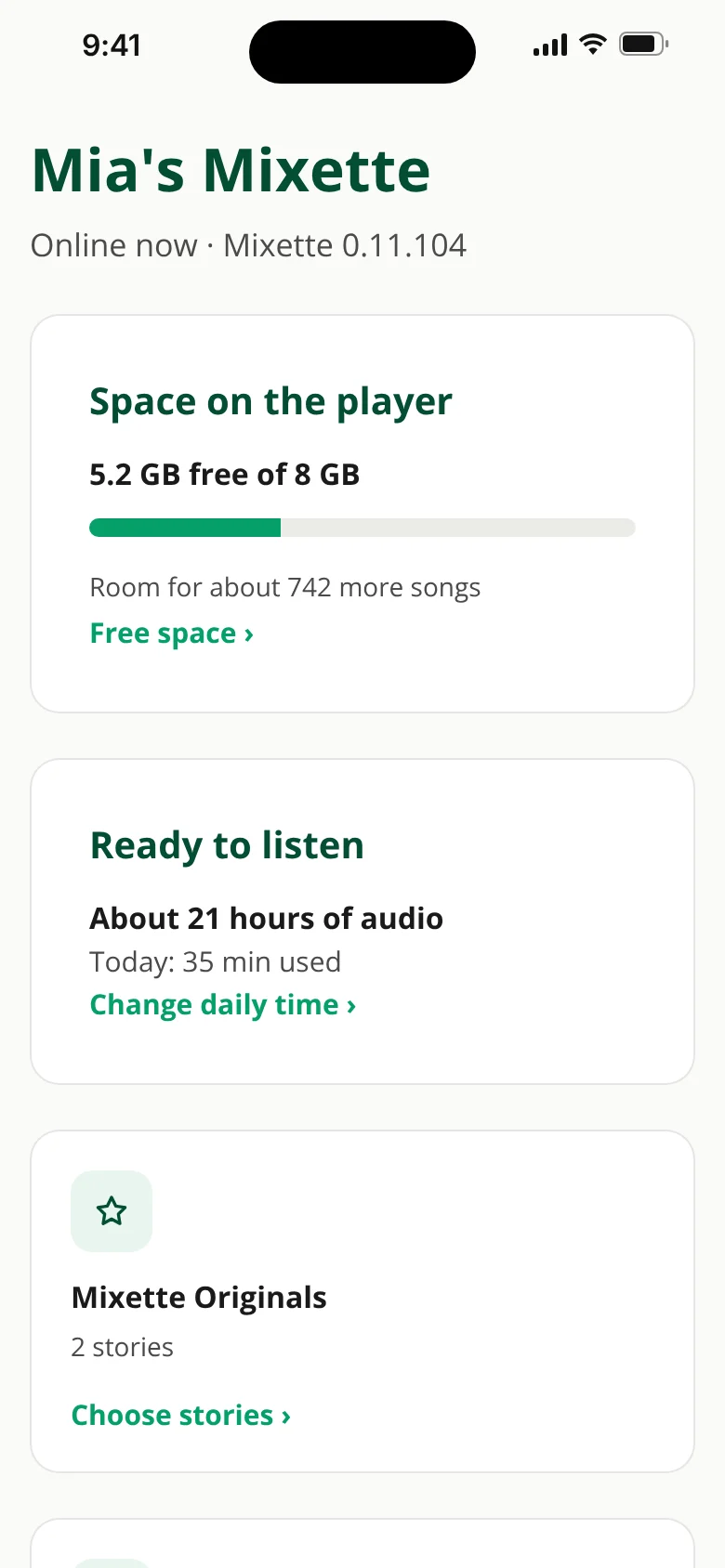
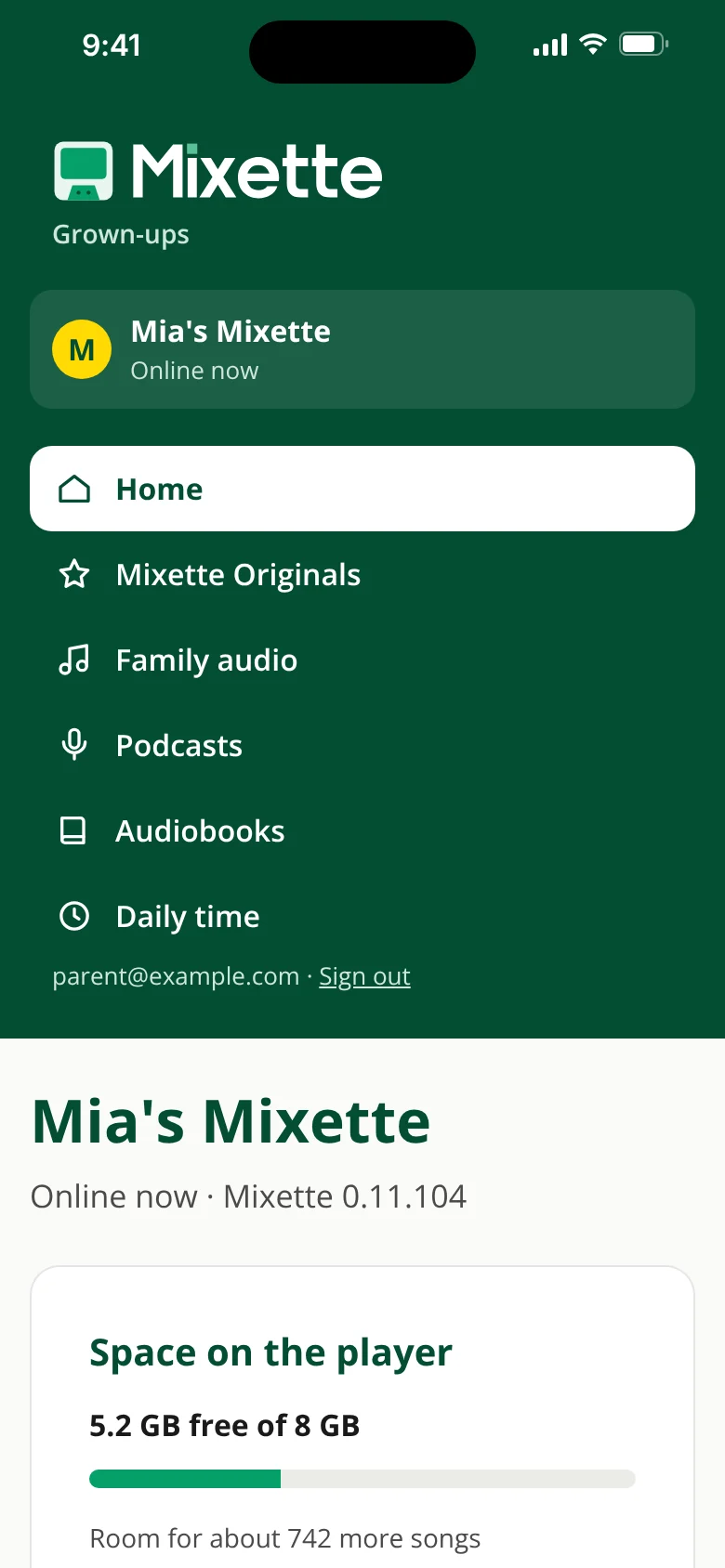
At my.getmixette.com, add stories, podcasts, audiobooks and songs. They download at home.
Hand it over
They browse, play and make playlists. In the car, on a plane, at Grandma's.
From your phone
You stay in charge, from anywhere.
See what's on the player, add something new, change the daily time. The player picks it up next time it's on Wi-Fi.
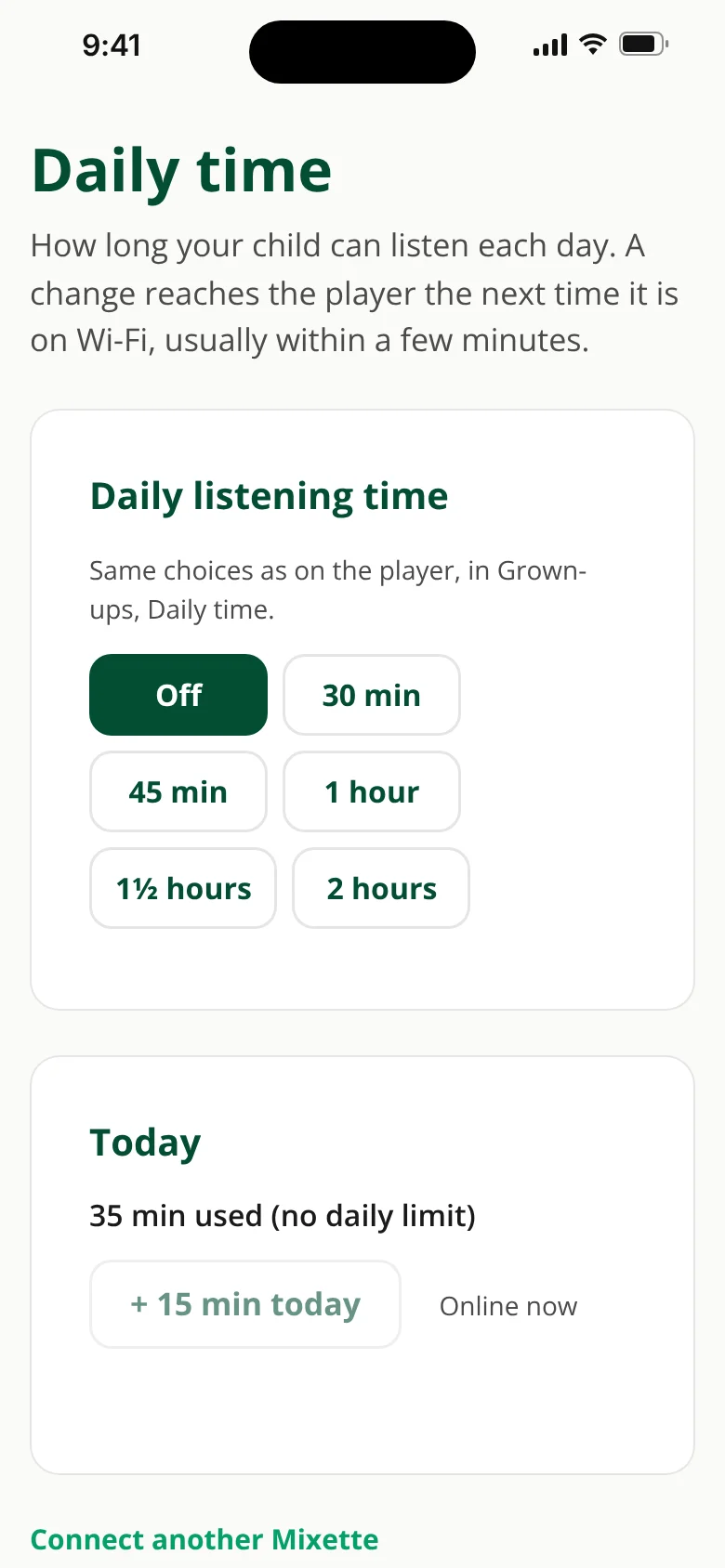
Only on Mixette
Stories where they call the shots.
In Make a story, they choose a hero, a place and a magic object, and Mixette tells the story out loud.
In Choose your path, the story pauses and they decide what happens next. Every path ends well.
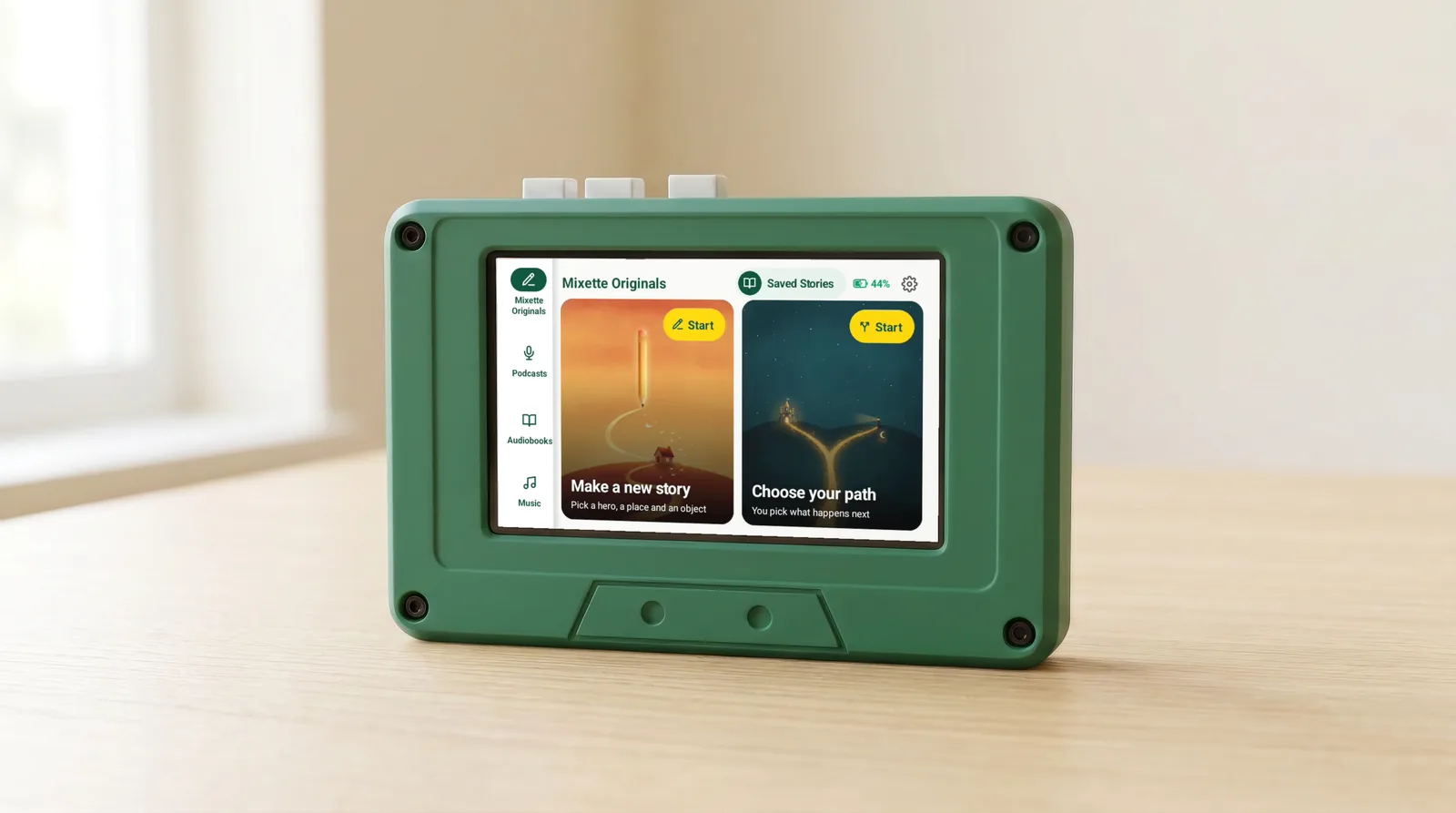
The screen is just for choosing: covers, titles and their playlists. No browser, no chat, no videos.
Get the Early Edition.
$199 $99. First come, first served. I hand yours over in person in the Bay Area, and it's yours to keep.
Get the Early Edition- Mixette Originals from day one
- Plays offline
- Managed from your phone
- Not a fit for your family? You can give it back by January 10.
- 20% off the final Mixette, if you want one
Questions parents ask
Who is this for?
Families in the San Francisco Bay Area with at least one kid between 7 and 12. You'll need home Wi-Fi and a phone to manage it.
Why is it $99?
Mixette is $199. Early Edition families pay half because they tell me how it goes: two short surveys between December and January, one chat with me, and a few casual check-ins.
Is the Early Edition certified?
The player inside is FCC certified. The case is an early version, so it hasn't been through certification yet. The final Mixette will be.
Do we keep it?
Yes, it's yours for good, and updates keep coming. If it isn't for your family, you can still give it back until January 10. When the final Mixette is ready, you get 20% off one if you want it.
What if it's not a fit?
Give it back by January 10 and fill out a quick survey on why it didn't work for you. I refund what you paid and pass it on to another family.
How do I ask for help?
Write to support@getmixette.com. I answer myself.
What do you learn about my kid?
You see your kid's listening on the Mixette website. What I keep, and for how long, is in the Early Edition terms. Mixette never uses a camera or a microphone.
How is this different from a tablet or a phone?
A tablet or a phone, kids' tablets like the Amazon Fire Kids included, is made for videos, games, apps and more, so it needs parental controls. Mixette does one thing: it plays what you put on it. There's no browser, no app store, no videos and no chat, so there's nothing to lock down. Their eyes stay free for the window or a drawing while they listen, and Mixette never uses a camera or a microphone.
Does it have a screen?
Yes, a small one, so they can choose on their own. What matters is what's on it: covers, titles and their playlists. There's no browser, no app store, no chat and no videos.
Does it come in other colors?
Only green for now.
How do I upload music and audiobooks?
Audiobooks you don't upload: at my.getmixette.com you pick one, tap Add, and Mixette downloads the whole book at home on Wi-Fi. For your own music, like songs from your CDs, drag the files into Family audio from your computer. You can also send files from your phone, or from an SD card, right on Mixette in Grown-ups. Step by step: How to load content onto Mixette.
How do you use AI?
To make the Mixette Originals stories. I used AI to help write and voice them. Then my daughters and I tested every one: we read and listen to each story, and only the ones we approve go on Mixette. AI doesn't make up stories while your child plays, and Mixette doesn't chat.
Is the music made with AI?
Yes, and I want to be upfront about it. The songs that come on Mixette were made with AI. Deals with music labels take time, and I didn't want families to wait for music in the meantime. So I made our own songs with my kids' taste in mind, the kind we sing along to in the car. They're original songs, not made to sound like any particular artist. The songs and audiobooks you add yourself are whatever you choose.